La Poste’s uniform portal allows employees to order their workwear online. But when personal information displayed on the portal is incorrect (delivery address, size, work location), correcting it is not always up to the user. Some information is synced from a central HR system, which limits what individuals can change themselves. Understanding where the data comes from and identifying the right contact can save a considerable amount of time.
Information employees can change and information locked in La Poste’s uniform portal
Not all the information displayed in the uniform portal has the same status. Some details can be edited directly from the account, while others are populated from an external database.
| Data type | Can the employee change it? | Likely source | What to do if it’s incorrect |
|---|---|---|---|
| Account password | Yes | Uniform portal | Reset it online |
| Contact email address | Yes (depending on configuration) | Uniform portal | Change it in the account settings |
| First and last name | No | HR system / HRIS | Contact HR |
| Work location / site | No | HR system / HRIS | Contact HR |
| Size / measurements | Varies | Uniform portal or HR | Check your profile; if the information is incorrect, contact support |
| Delivery address | Varies | Uniform portal or HR | Check your profile; if the information is incorrect, contact support |
This table reflects how this type of corporate portal typically works. The key to knowing where to make a change is distinguishing between locally stored data and information synced from the HRIS. An employee trying to change their name directly in the uniform portal simply won’t find an editable field.
For detailed instructions on signing in and managing your profile, follow each step from the home screen to update my information in Mon Espace Habillement La Poste.
Changing your personal information directly in the uniform portal
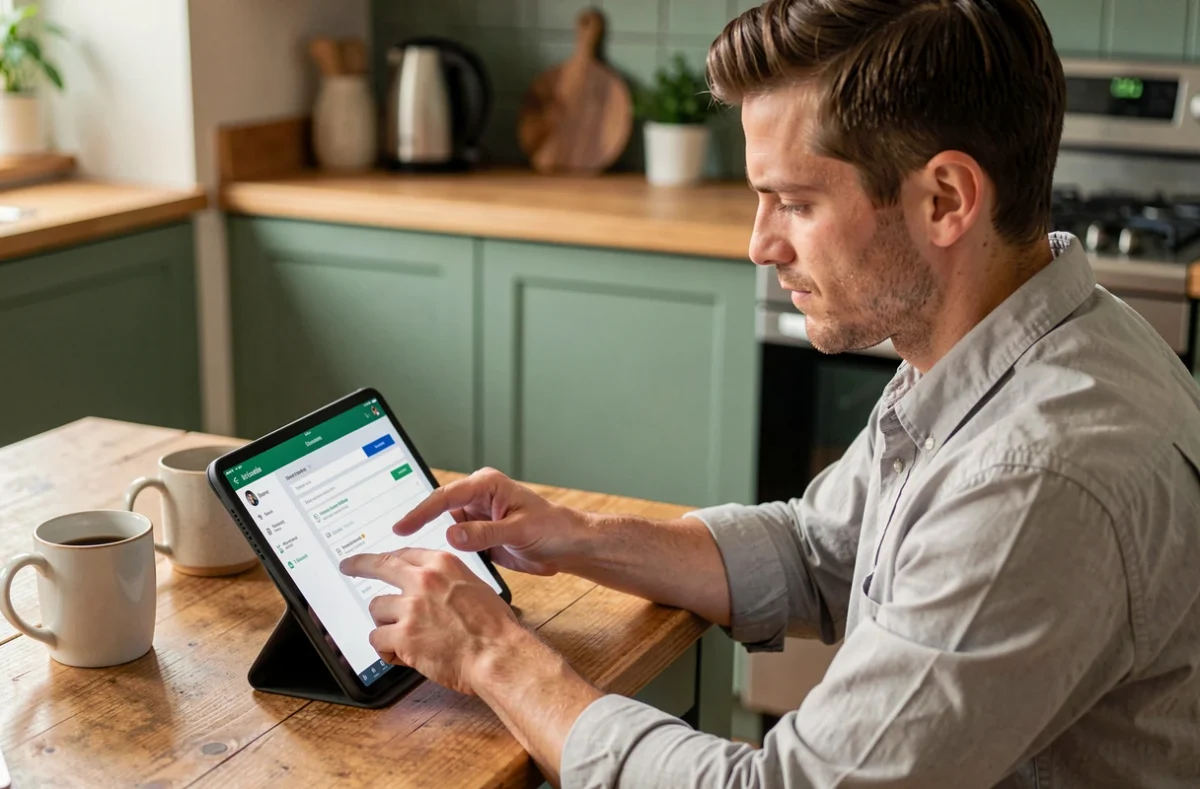
When a field is editable, the process is straightforward. After signing in, the portal usually has a section called “My profile” or “My information”.
- Sign in to the uniform portal using your usual credentials (your La Poste username and associated password).
- Look for the section dedicated to your personal profile, usually accessible from a menu in the top-right corner of the screen.
- Update the fields that can be edited: contact email, size preferences, or delivery address if the portal allows it.
- Save your changes and check that a confirmation message appears.
Always check that saved changes have taken effect when you place your next order. If a delivery address change hasn’t been applied, your parcel could be sent to your previous work location.
If the portal has a built-in help feature, check it before contacting external support. It may specify exactly which fields are managed locally.
Incorrect information from the HR system: how to request a correction
This is the most frustrating situation. An employee spots an error (the wrong work location, or a misspelled name following a change in civil status), but the uniform portal does not allow these fields to be corrected. The information comes from the HRIS, Groupe La Poste’s human resources information system.
Identify the source data
Before contacting anyone, make a note of the incorrect field and the value displayed. Compare it with your official documents (payslip, work assignment certificate). This step avoids unnecessary back-and-forth: HR will need to know exactly what is different.
Contact the right HR representative
The appropriate channel varies depending on the local organization. In most cases, your local HR representative or the site’s administrative manager is the first point of contact. If your workplace has an internal HR portal separate from the uniform portal, you may be able to initiate the correction there.
Never send sensitive supporting documents by unsecured email. Use internal channels confirmed by your manager or HR.
How long it takes for changes to appear in the uniform portal
Once the correction has been made in the HRIS, the uniform portal won’t update immediately. Synchronization between systems can take anywhere from a few hours to several days. Wait for the update to fully sync before placing another order to avoid having it delivered to the wrong address.
Personal data protection and your GDPR right to rectification
As an employee, you have a right to rectification under the GDPR. This right applies to all personal data concerning you, including information displayed in the uniform portal. It is separate from the basic editing function available in a portal.
If HR does not respond to a correction request within a reasonable time, you can submit a formal rectification request to Groupe La Poste’s Data Protection Officer. Your request should specify the inaccurate information, the correction you are seeking, and your contact details for follow-up.
The right to rectification does not replace the internal procedure; it provides an additional option if the process is blocked. You can pursue both routes at the same time.
Account security and good sign-in practices
Updating your information starts with secure access to the portal. A few precautions can reduce the risk of your account being compromised.
- Change your password regularly and don’t reuse it for other online services.
- Before entering your credentials, check that the uniform portal URL is the one officially provided by La Poste.
- Always sign out after each session, especially when using a shared computer.
A compromised account could lead to fraudulent orders or unauthorized changes to your delivery address. Staying vigilant when signing in also helps protect the integrity of the personal information displayed.
Whether you can correct information in the uniform portal depends on where it comes from: the portal itself or the HRIS. Identifying this distinction from the outset helps you choose the right channel and avoid weeks of unnecessary delays. If the portal offers no editing option, HR is the necessary point of contact, with your GDPR right to rectification as a safeguard.